How do I enter a tournament?
Add the player, then choose the event. The fee is paid to the organiser.
The short answer
Open My Panel, choose the player, and press Enter a tournament.
Choose the event. Events are listed by age group and by singles or doubles, each with its fee.
Tick the consent box and submit. A parent or guardian must consent before an entry can be submitted.
Pay the fee to the organiser. The organiser confirms your entry once they have the money.
Step by step
Open the tournament page and read the rules and the closing date.
The closing date is firm. Entries after it are the organiser's decision.
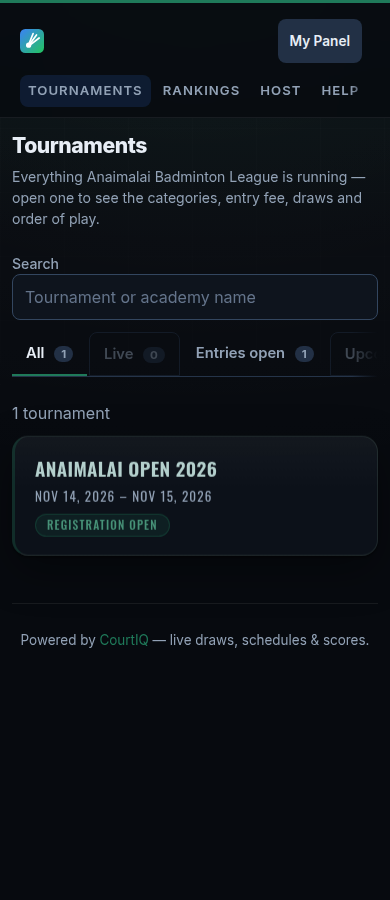
Open My Panel, choose the player, and press Enter a tournament.
Choose the event you want. Check the age group and the fee.
For a doubles event, you will be given a code to send to your partner.
The pair is complete when your partner enters that code.
Tick the consent box and submit.
Pay the fee and record the payment reference.

Things that go wrong
Verify the age before entering an age-group event
An organiser can ask for a confirmed date of birth before they confirm an age-group entry. Verifying first avoids the entry waiting on it.
A tournament may limit how many events one player can enter
The limit is printed on the tournament page. If you have reached it, withdraw an existing entry before entering another event.
A full event puts you on a waiting list
Your entry is held in order. Nothing is owed while you are on the waiting list, and you are not in the event yet.