I signed up. Am I entered?
No. An account and a player are two different things. Signing up creates the account; then you add the people who play.
The short answer
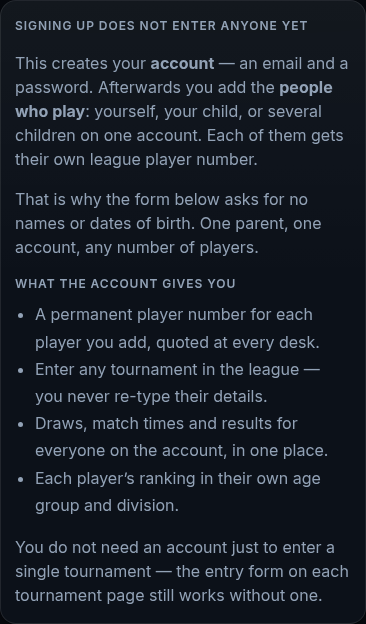
Signing up creates your account. It is an email address and a password. It does not enter anyone in anything.
Next you add the players. Open My Panel and add the person who plays. That can be you, your child, or several children on the same account.
Each player gets their own league player number. Quote that number at the registration desk.
After a player exists, you can verify their age and enter them in a tournament.
Step by step
Create your account with an email address, a phone number and a password.
The form asks for no names and no dates of birth. Those belong to the players, not to the account.
Check your email for the code and sign in.
Open My Panel and add a player.
Choose whether this player is you or a child in your care.
Repeat for each child. One account can hold several players.

Things that go wrong
One parent, one account, any number of children
Do not create a separate account for each child. Add them all to your own account. You will see all their entries, matches and results in one place.
You can enter a single tournament without an account
The entry form on a tournament page works without one. An account is what lets you come back, follow the draw, verify an age and manage entries later.